
Seat every guest without the spreadsheet.
Build your guest list, arrange tables on a real floor plan, and hand your venue a printed chart that matches it exactly.
Why couples choose Belunie
-
No subscription
No monthly bill, renewal, or surprise charge.
-
No download
Open it in your browser—no files or installs.
-
Data stays local
Your guest details stay on your device, never uploaded.
-
One-time fee
Buy it once and keep the planner for good.
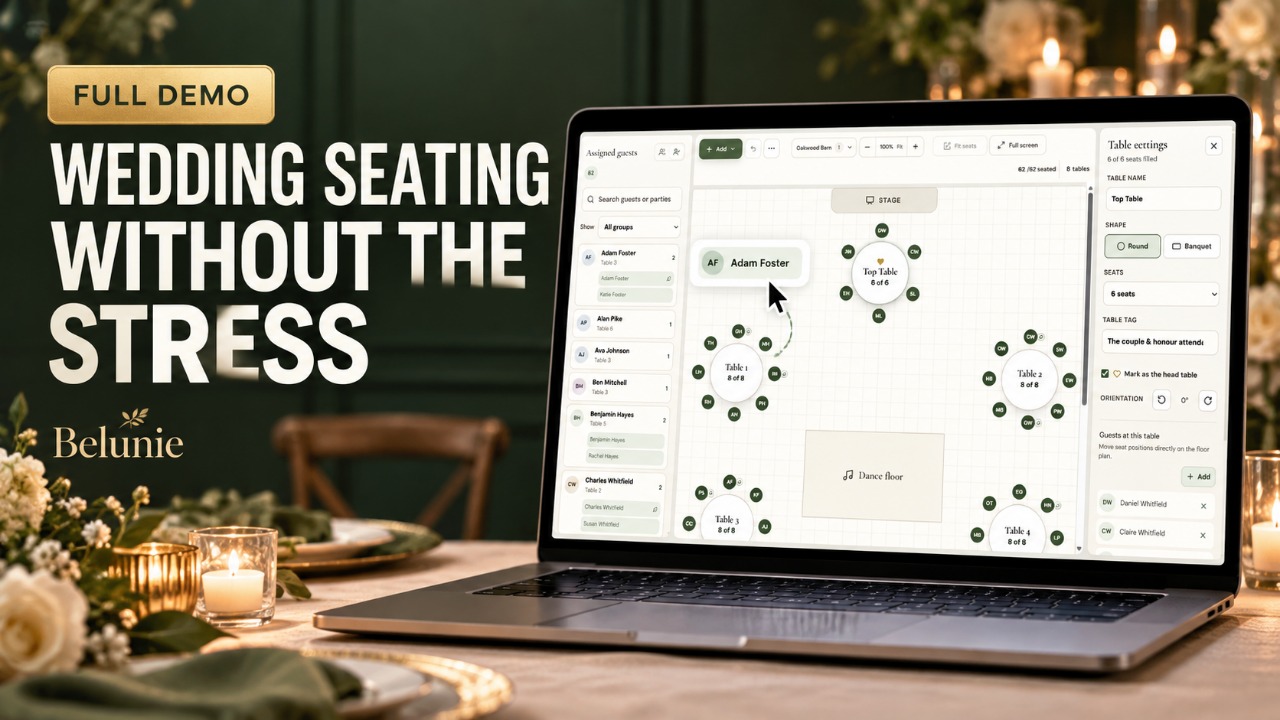
Watch the demo before buying
Follow the complete journey from importing guests to printing the finished seating plan.
Three steps, one afternoon
-
01
Build the guest list
Parties, plus-ones and dietary notes in one place. Import from Excel or CSV if you already started one.
-
02
Arrange the room
Drop tables onto the floor plan, seat people by dragging or tapping, and undo anything that does not work.
-
03
Print the final plan
A chart showing every guest at their seat, with guests-by-table pages and dietary needs for the venue.
Ready to seat your wedding?
Get it on EtsyThis site provides product information and user guidance. Orders, payment, and delivery are completed through Etsy.